


Every week on the Regeneration podcast you’ll always hear us mention to review or rate the show. Ratings and reviews help us reach more ears with the content you have come to love. While we are asking, we know it’s not super obvious on how to actually leave a review or rate the podcast.
So here’s a simple guide on how to do just that.
- Launch the Apple Podcasts app.

2. Tap the Search button and enter the name of the podcast you want to rate or review (hint Regeneration podcast  ) and click search
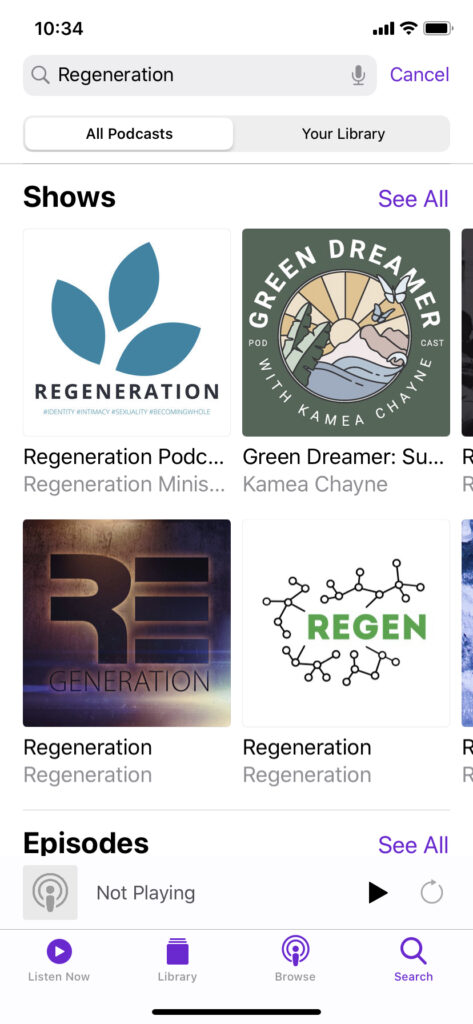
3. Tap the album art for the podcast. This will show you the album art and description of the Regeneration podcast. Make sure you hit the subscribe button if you haven’t already.
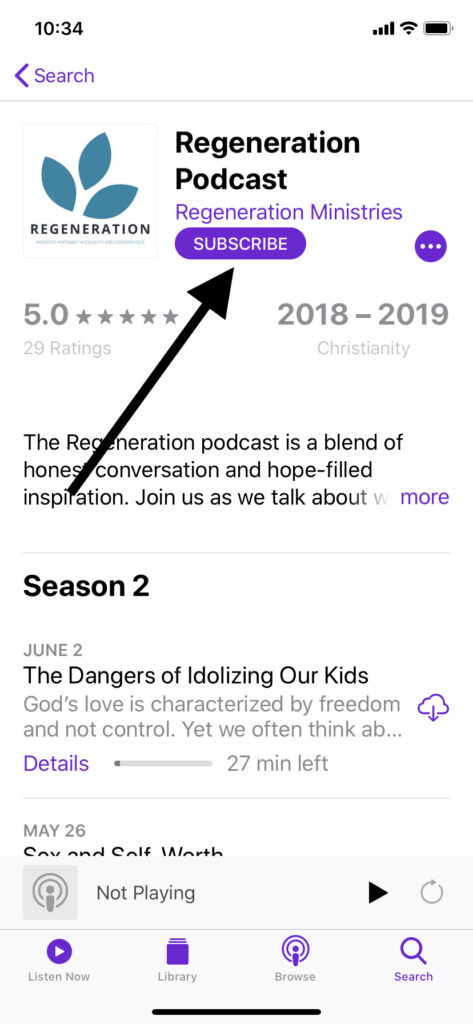
4. Scroll through the episodes until you see the Ratings & Reviews area.

Now you can leave us a rating of 5 stars and write a glowing review of the overall podcast or the episode that struck a chord the most for you.
We are always here to help, so if you have issues rating or reviewing the Regeneration podcast please send us an email and we will get things ironed out.

Leave a Reply